Turn a photo into an anime-style Live Photo
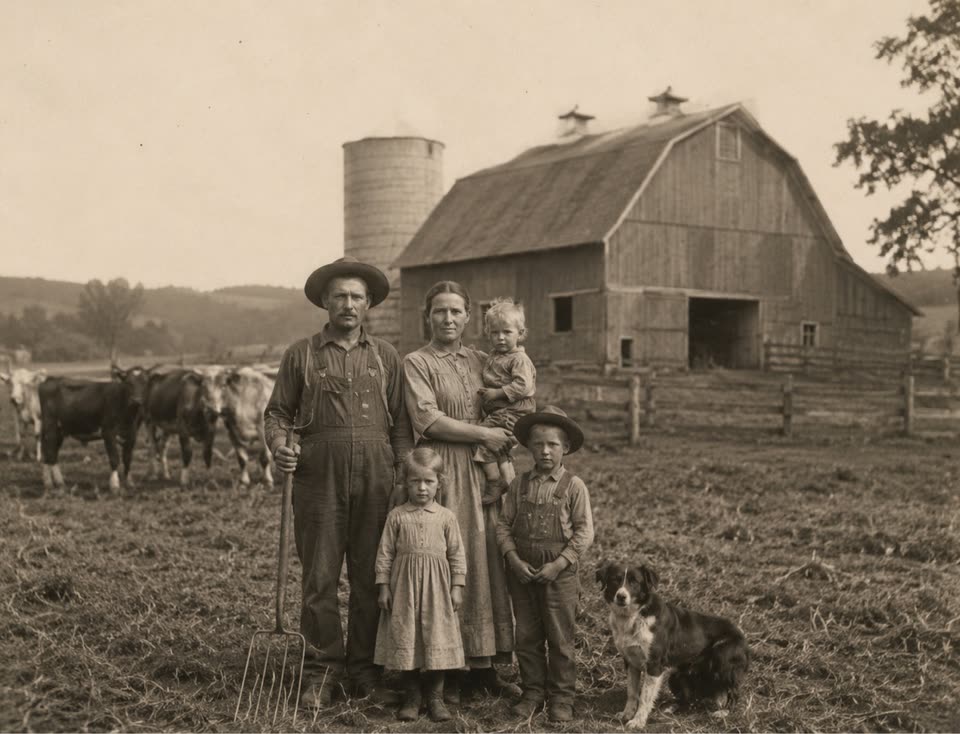
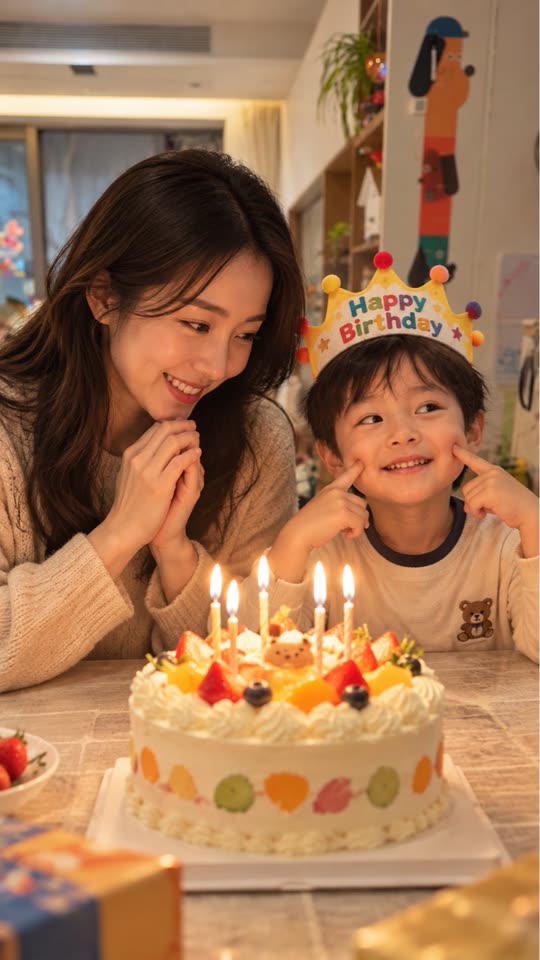
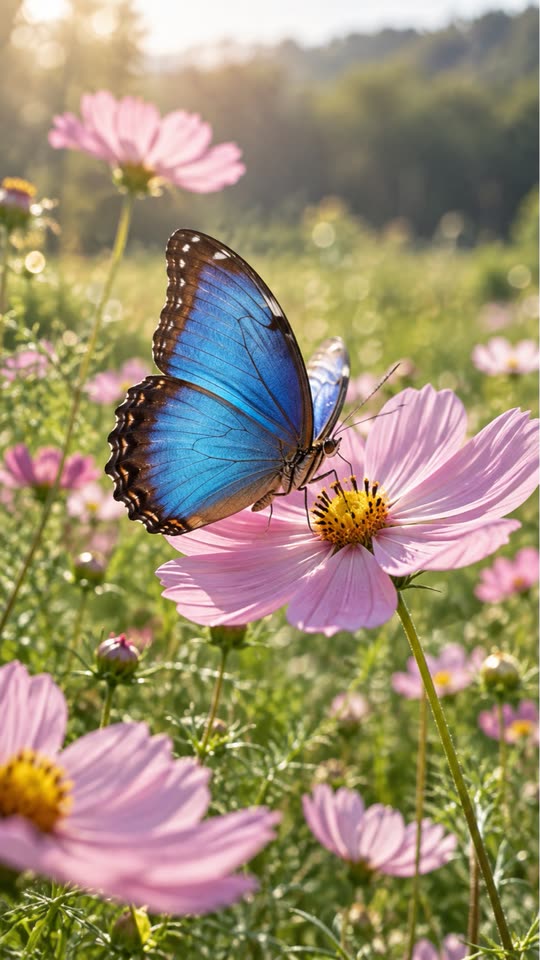
Live.AI lets you choose a visual style before generating. With the anime style, the motion clip is drawn in an anime look instead of staying photographic — the example below started from an ordinary phone photo of a cat. The original photo is still kept as the Live Photo cover.
Real example
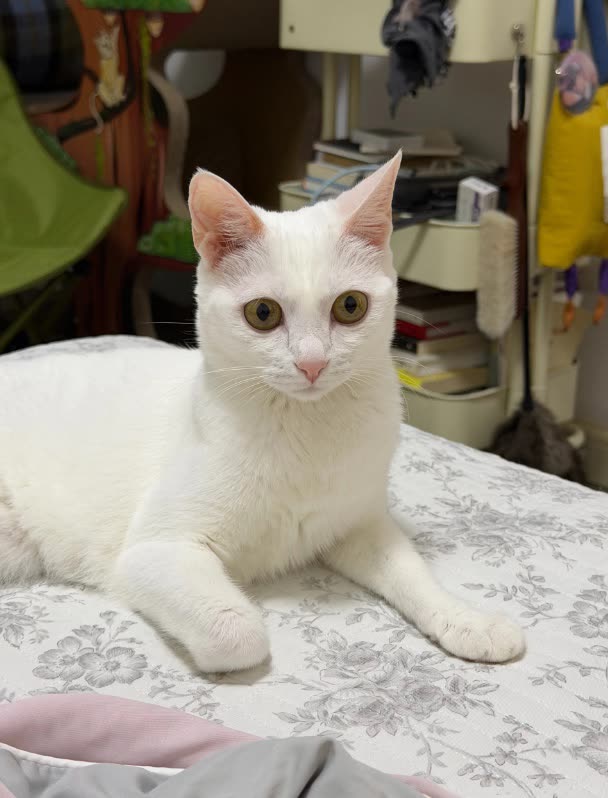 Original
This example is unedited Live.AI output. Results vary with the source image and settings.
Tips for a better result
- 01A clear main subject and an uncluttered background make the stylised result easier to read.
- 02A style changes how details are drawn, so check faces, hands and text in the preview before saving.
- 03Combine the style with one simple movement in your prompt rather than several actions at once.
Example motion prompt
“Anime style, the cat stretches its paw and looks at the camera, gentle motion.”
How to make it in Live.AI
Pick a photo
Import portraits, landscapes, pets, or travel shots.
AI analyzes
Auto motion description — tweak as you like.
Cloud generation
Multi-model scheduling for a crisp short clip.
Save as Live
Metadata paired and written into Photos.
Questions
Is the result a GIF?
No. It is a paired still image and motion clip that Photos recognizes as a Live Photo.
Can I set it as a wallpaper?
Whether a Live Photo can be used as a moving wallpaper is decided by iOS on your device and version.