Animate an old photo into a Live Photo
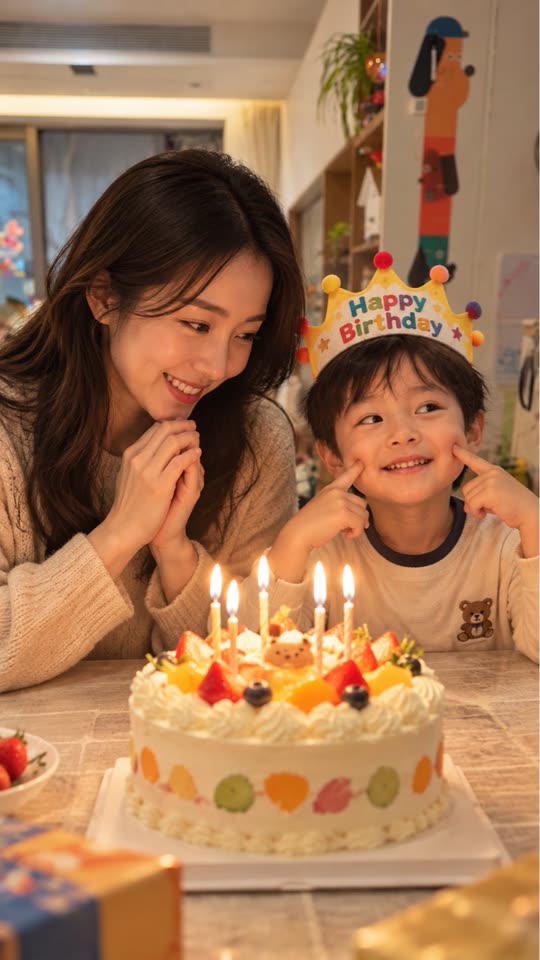
Scanned prints and faded family pictures usually look best with very gentle motion: a slow push-in or a light parallax between the person and the background. Live.AI keeps your original still as the cover and pairs it with the generated clip, so the photo itself is not replaced.
Real example
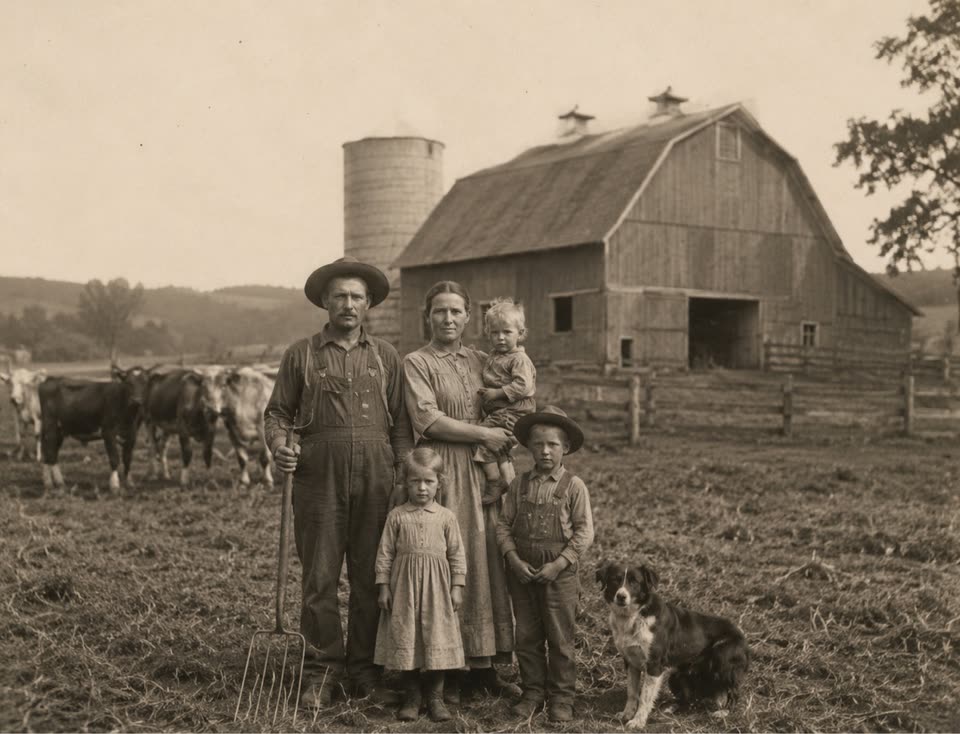 Original
This example is unedited Live.AI output. Results vary with the source image and settings.
Tips for a better result
- 01Start from the sharpest scan or copy you have; very blurry or heavily cropped sources give the AI less to work with.
- 02Keep faces calm. Ask for a slow camera move rather than a head turn, especially on low-resolution originals.
- 03Generate, compare with the original, and regenerate with a different movement if the first result feels too strong.
Example motion prompt
“Slow cinematic push-in, keep the faces natural, preserve the original colors.”
How to make it in Live.AI
Pick a photo
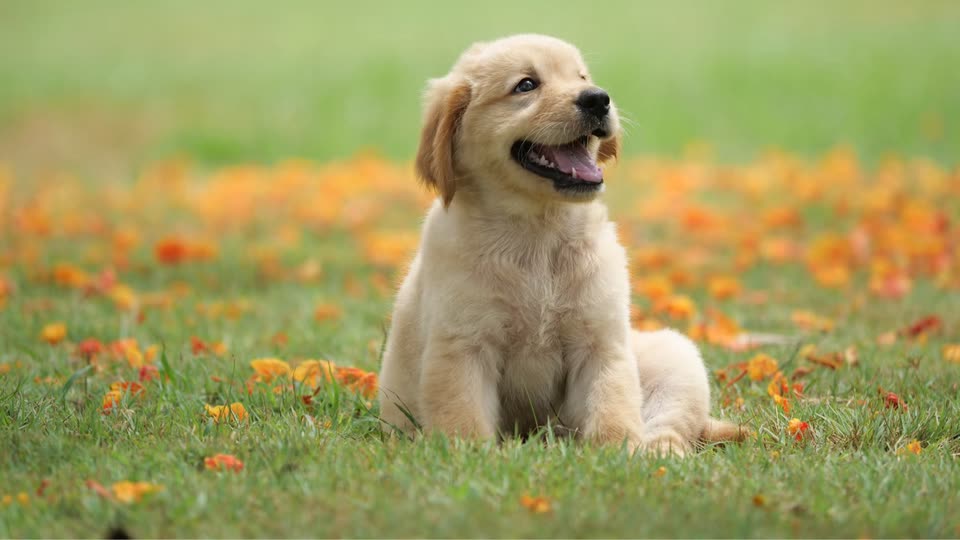
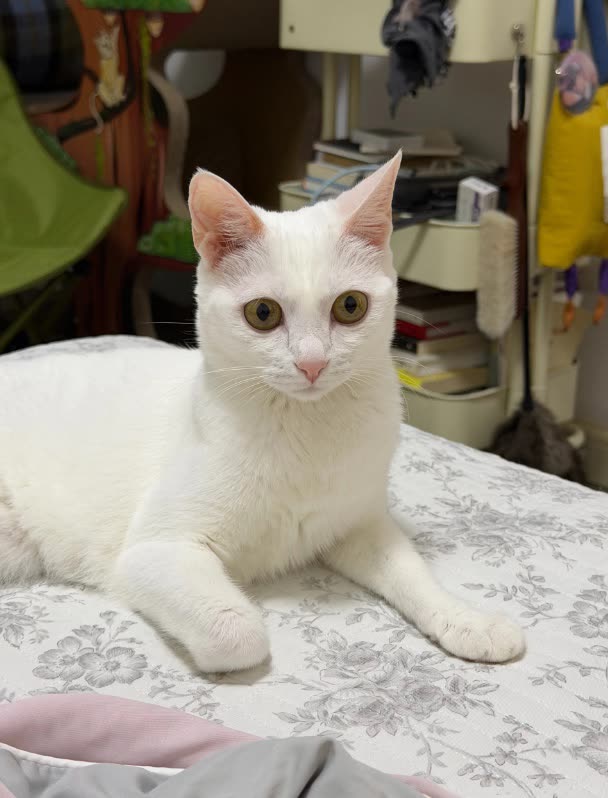
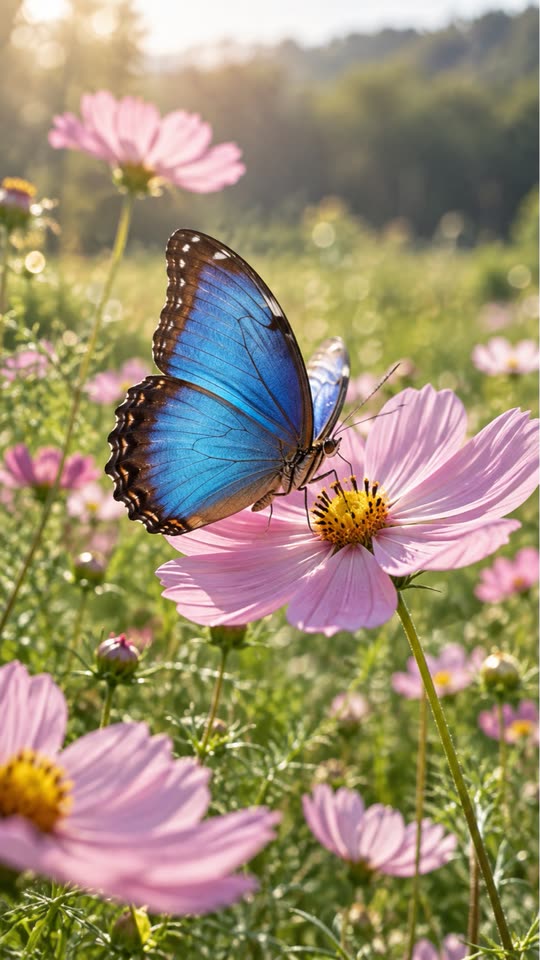
Import portraits, landscapes, pets, or travel shots.
AI analyzes
Auto motion description — tweak as you like.
Cloud generation
Multi-model scheduling for a crisp short clip.
Save as Live
Metadata paired and written into Photos.
Questions
Will my original photo be changed?
No. The still is used as the Live Photo cover and the motion clip is paired with it.
Can I do a whole album at once?
You can select up to nine photos in one batch with shared settings, then review each result before saving.