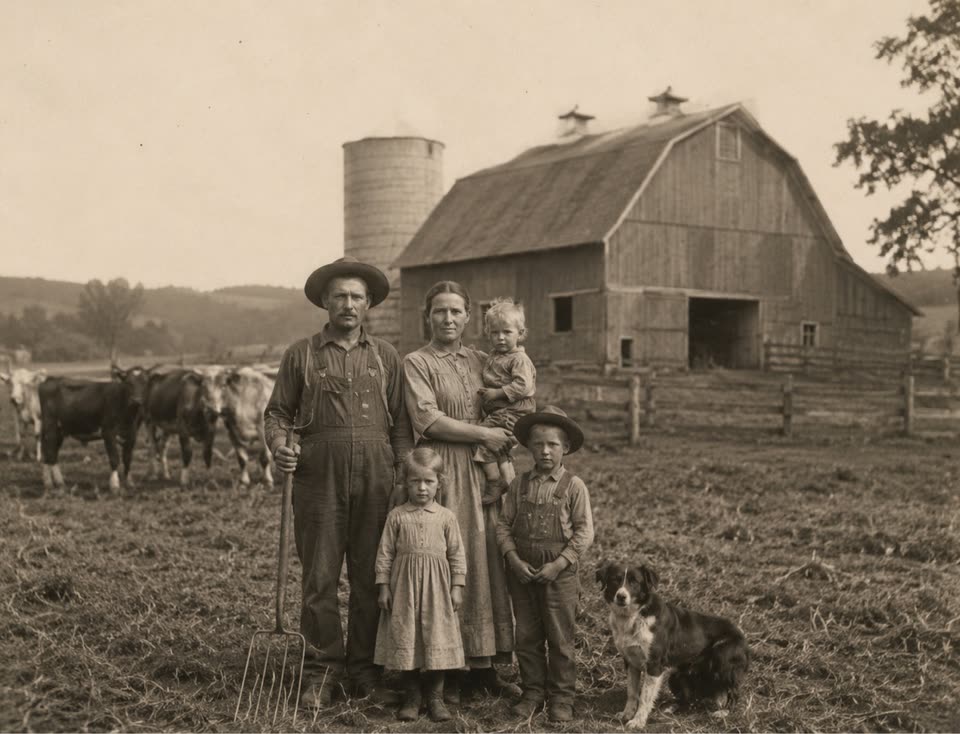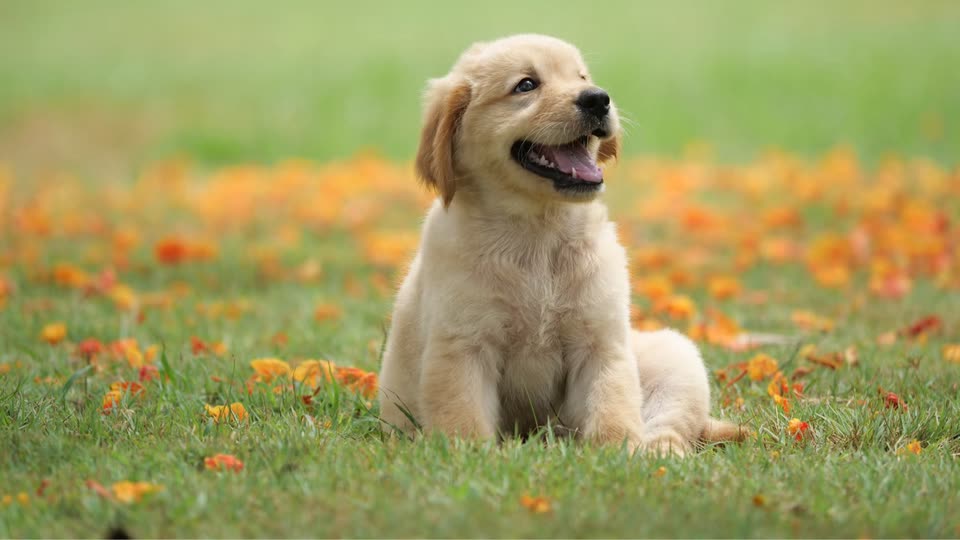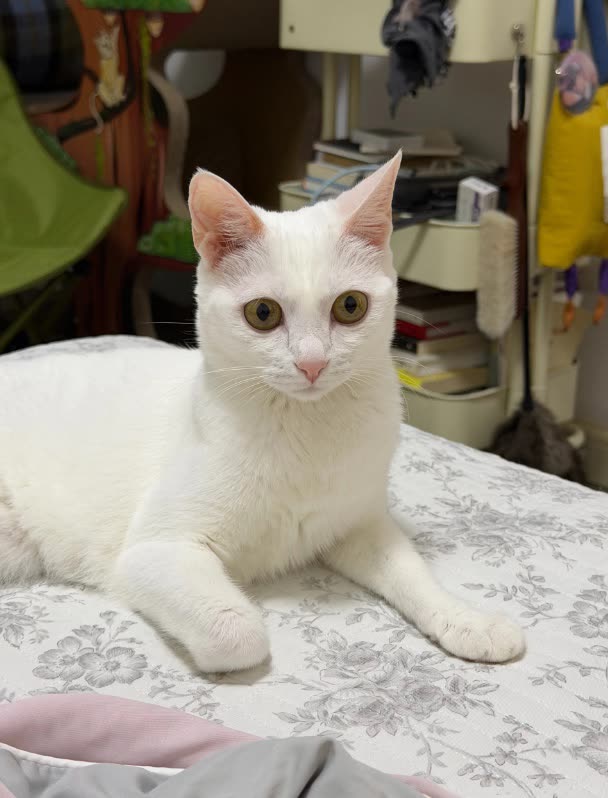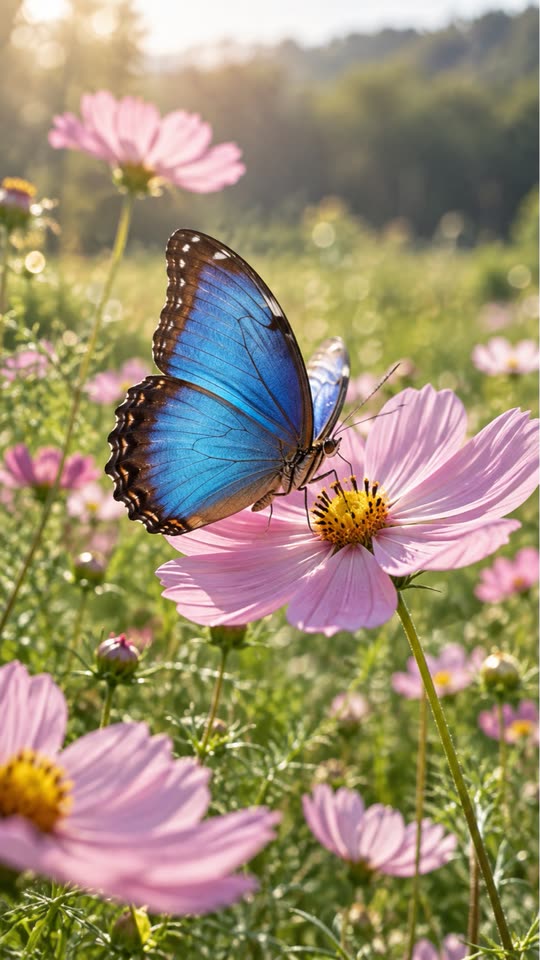
Turn a birthday photo into a Live Photo
Forgot to turn on Live Photo while the candles were lit? Live.AI can add motion to the still afterwards. Celebration photos suit warm, small movements — flickering light, a slow zoom toward the cake — rather than big changes to people's faces.
Real example
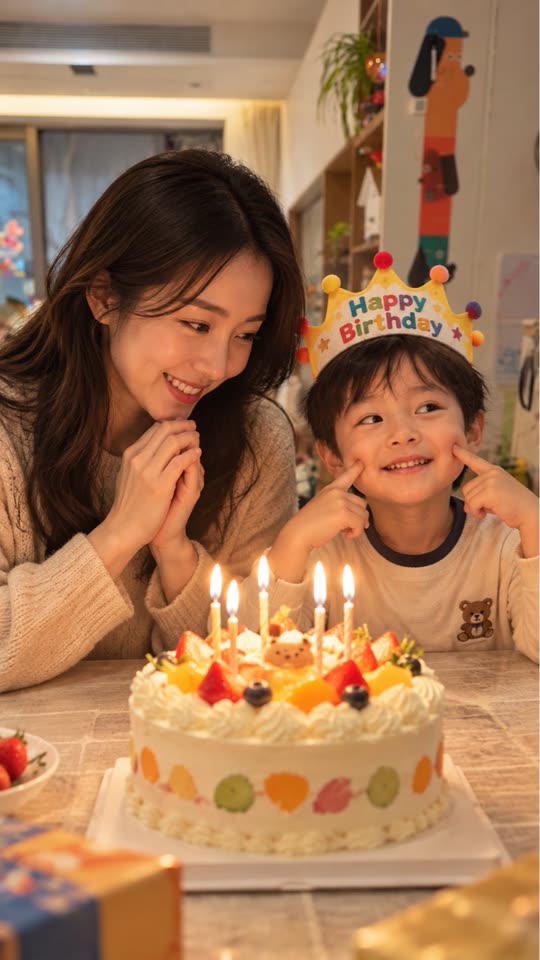 Original
This example is unedited Live.AI output. Results vary with the source image and settings.
Tips for a better result
- 01Choose a photo with a clear focal point such as the cake or the person celebrating.
- 02Ask for light effects or a slow zoom instead of large body movement.
- 03Batch up to nine photos from the same party with shared settings, then keep the best results.
Example motion prompt
“Candle flames flickering softly, slow zoom toward the cake, warm light.”
How to make it in Live.AI
Pick a photo
Import portraits, landscapes, pets, or travel shots.
AI analyzes
Auto motion description — tweak as you like.
Cloud generation
Multi-model scheduling for a crisp short clip.
Save as Live
Metadata paired and written into Photos.
Questions
I already have the photo — do I need a video?
No. You start from a single still image; you do not need to record a video first.
Where is the result saved?
You preview it in the app and save it to Photos as a Live Photo. Save cloud results promptly according to the app's retention notice.