Turn a pet photo into a Live Photo
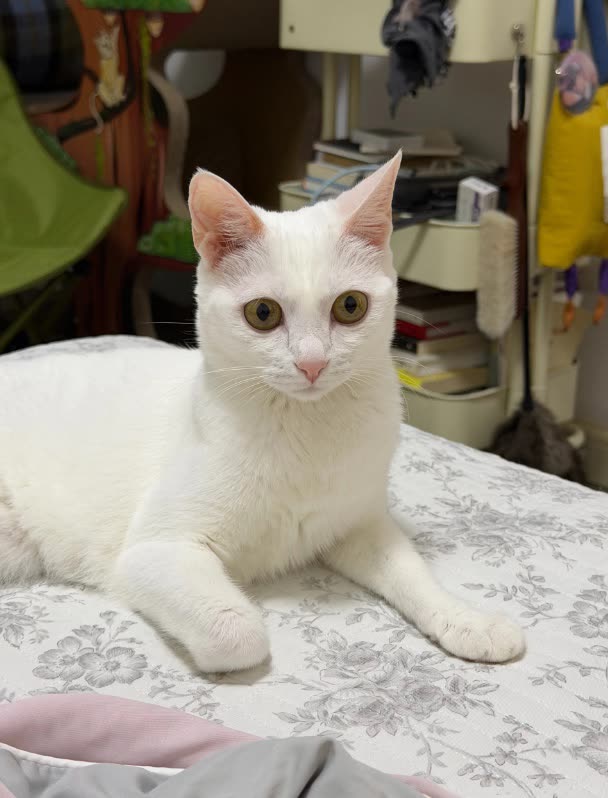
A pet photo often captures one perfect second. Live.AI reads the scene and adds short, natural motion around it — a small camera move, a breeze, a bit of depth — and saves the result as a Live Photo you can long-press in Photos.
Real example
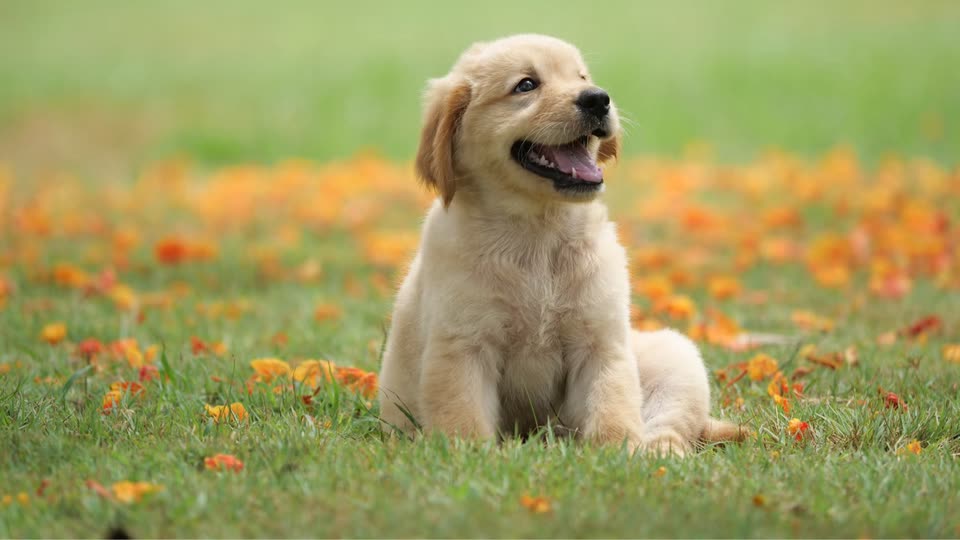 Original
This example is unedited Live.AI output. Results vary with the source image and settings.
Tips for a better result
- 01Pick a photo where your pet is clearly separated from the background; it gives the motion more depth.
- 02Describe one or two small movements. Short prompts are easier to control than long ones.
- 03Shots taken at your pet's eye level usually make the camera move feel more natural.
Example motion prompt
“Gentle breeze in the fur, slow push-in toward the puppy, soft natural light.”
How to make it in Live.AI
Pick a photo
Import portraits, landscapes, pets, or travel shots.
AI analyzes
Auto motion description — tweak as you like.
Cloud generation
Multi-model scheduling for a crisp short clip.
Save as Live
Metadata paired and written into Photos.
Questions
Does it work with cats too?
Live.AI works on any still photo, including cats, dogs and other pets. Results depend on the photo, so preview before saving.
How many credits does one clip use?
10 credits for a 720P clip and 14 for 1080P. Credit packs are bought in the app.